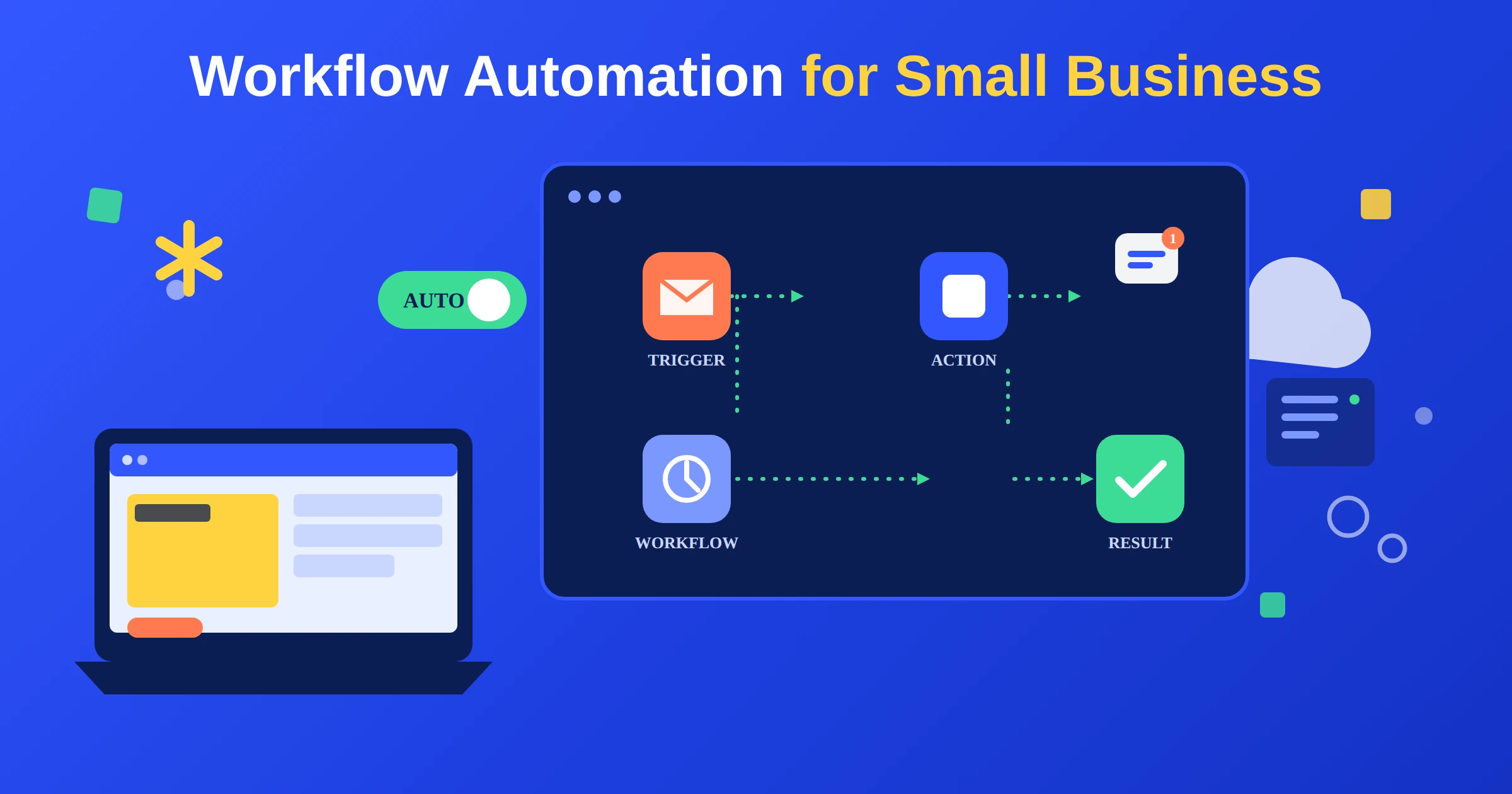
Every small business runs on a handful of repeating processes: a lead comes in, a job gets scheduled, an invoice goes out, a customer asks a question. On paper, each step is simple. In practice, someone on your team is doing most of it by hand, every single day.
Workflow automation for small business is what closes that gap. Done right, it takes the repetitive parts of your process, the follow-ups, the data entry, the reminders, and runs them automatically, so your team spends time on the work that actually needs a person. This guide covers what workflow automation actually looks like, real examples you can build from, what it tends to cost, and how to set up your first workflow without overcomplicating it.
What is workflow automation for small business?
A workflow is just a repeatable process: a series of steps that happen in the same order every time a certain trigger occurs. Workflow automation software takes that process and runs it automatically, without someone manually doing each step by hand.
Basic workflow software follows guided workflows, fixed, rule-based paths like “if a form is submitted, send this email.” AI workflow automation for small business goes a step further: it can read the details of what’s happening and make a decision, not just follow a script. That’s the difference between a workflow that sends the same reply every time and one that reads a request and routes it correctly on its own.
Modern workflow tools are also increasingly customizable workflows, meaning you’re not stuck with a rigid template. You can build a workflow around how your business actually operates instead of adjusting your process to fit the software. This kind of small business process automation is what makes business process management workflow automation worth the setup time.
How to create business workflows and processes
You don’t need a technical background to build your first workflow. In practice, it comes down to five steps:
- Map the process as it exists today. Write down every step of a process you already run, in order, exactly as it happens now, not how it’s supposed to happen.
- Find the decision points. Mark every place where someone has to make a judgment call, like qualifying a lead or approving an expense. These are the trickiest parts to automate well.
- Pick the right tool for the job. The tool should fit your process, not the other way around. A CRM-based workflow builder works differently than a dedicated automation platform.
- Build it, then test it with real data. Run the workflow on a handful of real cases before rolling it out fully, and fix what breaks.
- Train your team and monitor it. Automation still needs a human checking in, especially in the first few weeks.
Common workflow automation examples for small business
Here are the workflows that save small businesses the most time, and where they typically fit into your business.
| Workflow | What it automates | Common use case |
|---|---|---|
| Lead-to-customer | Follow-up, qualification, and CRM updates the moment a lead comes in | Service businesses, agencies |
| Invoicing and accounts payable | Matching payments, generating invoices, and logging expenses | Contractors, consultants, agencies |
| Customer onboarding | Welcome emails, document collection, and account setup | Any business with a signup process |
| E-commerce order workflow | Order confirmation, shipping updates, and post-purchase follow-up | Small e-commerce businesses |
| Reporting | Weekly or monthly summaries of leads, sales, or jobs | Any small business tracking performance |
Lead-to-customer workflow
The moment a lead comes in, this workflow can text or email them, ask qualifying questions, and log everything into your CRM automatically. It’s usually the highest-impact workflow to automate first, since slow follow-up is one of the most common ways small businesses lose business they already earned.
Invoicing and accounts payable automation
Manual invoicing eats hours every month and is where mistakes tend to slip through. A few best practices for setting up automated invoicing for service-based businesses:
- Trigger the invoice automatically when a job or project is marked complete
- Automatically match incoming payments to the right invoice
- Send automatic reminders for anything unpaid after a set number of days
- Log everything into your accounting software so nothing needs to be re-entered by hand
This is also where accounts payable workflow tools come in on the other side of the ledger, automatically matching bills to purchase orders and routing anything unusual for approval instead of paying it automatically.
Customer onboarding workflow
New customers or clients often need the same set of steps: a welcome message, a document request, an account setup. Automating this keeps the experience consistent, whether it’s your fifth customer or your five-hundredth.
E-commerce order workflow
Workflow automation in e-commerce usually covers order confirmations, shipping updates, and a follow-up message after delivery, often paired with an automatic review request. It keeps customers informed without anyone on your team manually sending updates.
Reporting workflow
Instead of pulling numbers together by hand every week, a reporting workflow can automatically summarize new leads, completed jobs, or sales and send it straight to your inbox on a set schedule.
Types of workflow automation tools for small business
Not every workflow management system for small business works the same way. Broadly, tools fall into a few categories:
| Tool type | What it’s built for | Best fit |
|---|---|---|
| CRM-based workflow builders | Automating steps tied to your customer and lead data | Businesses that want everything in one system |
| No-code process builder solutions | Automating simple business processes without writing any code | Non-technical teams building their first workflows |
| Dedicated automation platforms | Connecting multiple tools and building custom logic | Businesses with more complex, multi-tool processes |
| AI-driven workflow platforms | Automating tasks that involve judgment calls, not just fixed rules | Businesses ready to automate decision-making, not just steps |
The right workflow software for small business depends less on which tool has the most features, and more on which one fits how your team already works.
How much does workflow automation cost for a small business?
Since workflow automation pricing and subscription plans vary a lot by tool and scope, there’s no single number that applies to every business. What actually drives the cost:
- How many workflows you’re automating. One workflow costs far less to build and run than ten.
- Which tools you’re connecting. Automations that touch your CRM, accounting software, and communication tools all at once cost more to set up than a single-tool workflow.
- Whether it needs AI decision-making or just fixed rules. Judgment-based automation typically costs more to build than simple trigger-based steps.
- Ongoing support. Workflows need occasional adjustments as your business changes, and that’s usually priced separately from the initial build.
Rather than guessing at a number that may not apply to your business, the fastest way to get an accurate one is a free automation audit, where you get a real quote based on what you actually need.
How to scale your workflow automation as you grow
Most small businesses shouldn’t try to automate everything at once. A more realistic path to scale your projects and automate workflows over time:
- Start with one high-impact workflow, usually lead follow-up or invoicing, and get it running reliably.
- Connect it to the next process it touches. A lead workflow that ends in a booked job naturally connects to a scheduling or invoicing workflow next.
- Expand from customer-facing to back-office work. Once your front-line workflows are solid, apply the same approach to reporting, approvals, and internal processes.
- Revisit and refine regularly. As your business grows, the workflows that worked at five customers a week may need adjusting at fifty.
Common mistakes small businesses make with workflow automation
- Automating a broken process. If a process doesn’t work when a person runs it manually, automating it just makes the mistakes happen faster.
- Trying to automate everything at once. Start with one workflow, prove it works, then expand.
- Choosing a tool before mapping the process. The workflow should drive the tool choice, not the other way around.
- No plan for ongoing support. Workflows need occasional adjustments as your business, team, and tools change.
How Agentum AI helps you automate your business workflows
You don’t have to map your processes, choose a platform, and build the automation all on your own. That’s exactly what we handle.
We start with a free audit of how your business actually runs today, then build the AI workflow automation that fits, whether that’s a single lead follow-up workflow or a full business process automation setup connecting your CRM, invoicing, and reporting.
Final thoughts
Workflow automation for small business isn’t about automating everything at once, it’s about finding the repetitive parts of your day and letting a system handle them reliably. Start with one workflow, get it working well, and expand from there.
If you’re ready to see what that looks like for your business, book a free automation audit and we’ll map it out for you.