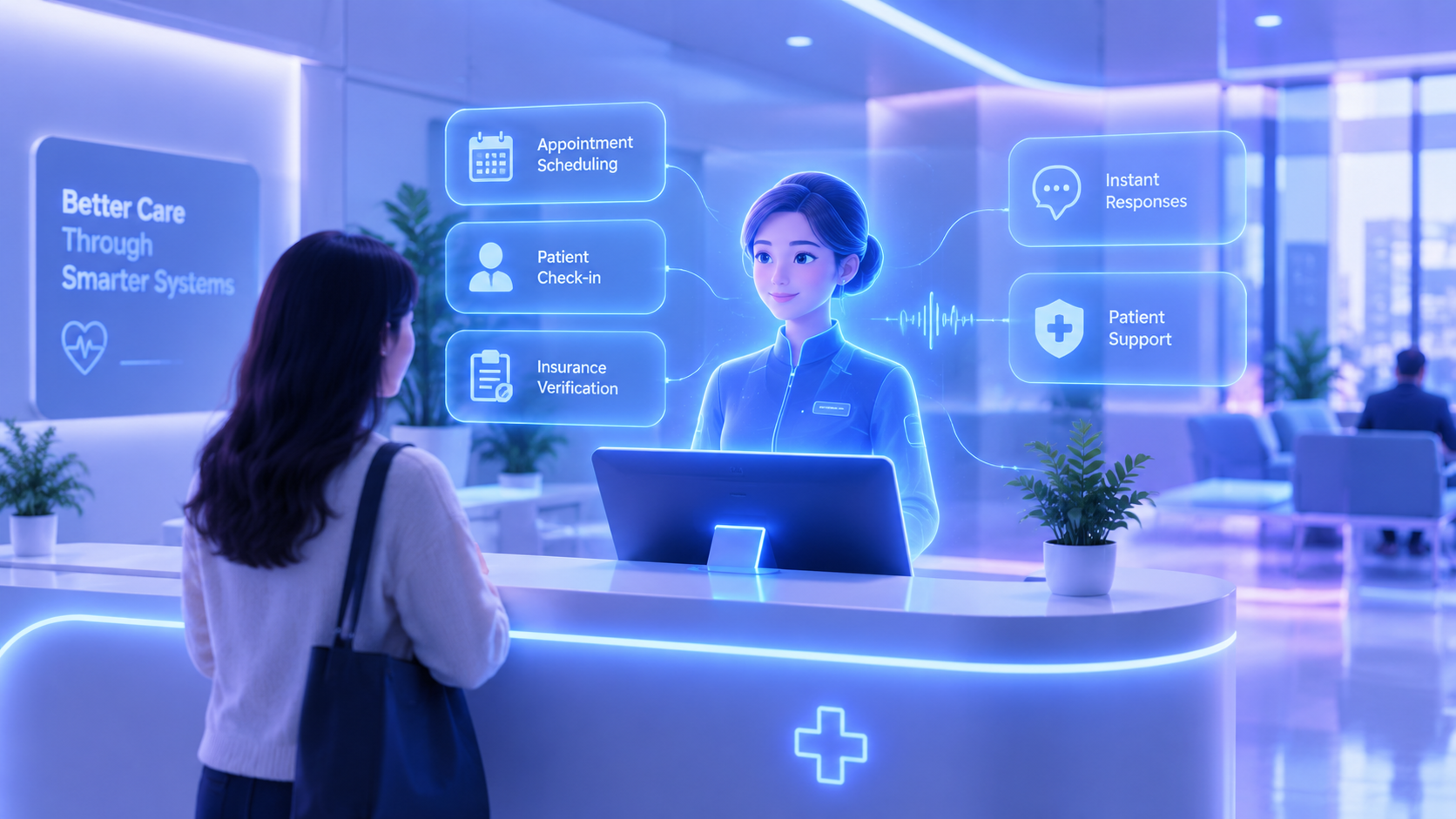
Front office staff turnover in medical practices runs 20 to 40 percent annually, among the highest of any administrative role in healthcare, and 30 to 50 percent of a front-desk employee’s day typically goes to phone calls alone: confirmations, reschedules, and callbacks. That combination, high call volume and constant manual coordination, is exactly what healthcare front desk automation is built to fix.
This guide covers the full front-desk patient journey, from scheduling to after-hours coverage, and makes the case for automation as a staffing solution, not just a patient-experience one.
The healthcare front desk automation journey
The front desk touches nearly every part of a patient’s first and last impression of your practice:
- Scheduling the appointment, often before the patient ever walks in
- Reminding them ahead of the visit
- Collecting intake information before or at check-in
- Verifying insurance so there are no surprises at the visit
- Handling calls, including the ones that come in after hours
- Following up after the visit, all without adding to an already stretched team’s workload
Patient self-scheduling and automated appointment reminders
Patient self-scheduling lets patients book directly against real-time availability without a phone call, and automated appointment reminders follow up ahead of the visit automatically. We’ve covered the research on how much this reduces no-shows, and what makes a reminder system actually effective, in our guide on AI automation for healthcare.
Digital patient intake and check-in automation
This is where a lot of front-desk friction actually lives, and where automation makes the most visible difference day to day.
- Digital patient intake forms get sent ahead of the visit, so patients arrive with paperwork already complete instead of filling it out in the waiting room
- Check-in automation lets a patient confirm their arrival via kiosk, tablet, or mobile link, without a staff member manually pulling up their file
- Automatic updates flow the completed intake information directly into the patient’s record, so nothing needs re-entering by hand
- Exception flagging catches incomplete or unusual intake responses for a staff member to follow up on directly, rather than letting them slip through unnoticed
Patient check-in automation doesn’t just save time, it reduces the errors that come from rushed, handwritten forms transcribed later under pressure.
Insurance verification automation
Insurance verification automation confirms coverage and benefits before the appointment, avoiding the awkward, time-consuming conversation at check-in when a coverage issue comes up unexpectedly. This connects directly to the billing and claims workflow covered in more depth in our broader healthcare automation guide.
Virtual medical receptionist and AI front desk for medical practices
An AI front desk for medical practices, sometimes called a virtual medical receptionist, answers calls, schedules appointments, and answers common questions without a person on the line for every call. For the full comparison between this and a traditional live answering service, including real current pricing on both, see our guide on AI receptionist vs answering service.
After-hours call handling and reducing call abandonment
Call volume at most practices isn’t evenly spread out. During peak morning hours, phones can ring nearly continuously while staff simultaneously try to check in patients, verify insurance, and process paperwork.
| Time period | What typically happens without automation |
|---|---|
| Peak hours (8–10 AM) | Call volume spikes while staff are also handling in-person check-in |
| During business hours, understaffed moments | Callers wait on hold, some hang up before connecting |
| After hours and weekends | Calls go to voicemail or ring unanswered entirely |
After hours call handling through automation answers every call regardless of when it comes in, and reduces call abandonment during peak hours by picking up immediately rather than adding callers to an already-overloaded queue.
HIPAA compliant messaging
Any patient communication automation, including messaging, needs to handle protected health information carefully. We cover exactly what HIPAA compliant automation requires, business associate agreements, encryption, access controls, and audit logs, in our healthcare automation guide.
EHR integration automation
Front desk automation is only as useful as its connection to your EHR. For how EHR integration automation actually works and what to look for, see the dedicated section in our AI automation for healthcare guide.
Reducing front office burnout: the case for automation
This is the argument that gets less attention than patient experience, but it’s arguably the stronger business case.
| Metric | Finding |
|---|---|
| Annual front office turnover | 20–40%, among the highest of any healthcare administrative role |
| Time spent on phone calls | 30–50% of a front-desk employee’s day |
| Cost to replace one front-desk employee | $3,000–$5,000, plus 3–6 months of reduced productivity while ramping up |
Front office burnout reduction isn’t a soft benefit, it’s a direct cost issue. The research consistently points to the same root causes: high call volume, repetitive manual tasks, and fragmented tools that force constant context-switching. Automating scheduling, reminders, intake, and after-hours calls removes exactly the workload driving that turnover, which means fewer departures, less time spent training replacements, and a front desk that isn’t perpetually understaffed and stretched thin.
Front desk workflow automation: putting it all together
Front desk workflow automation works best when these pieces connect into one system:
- A patient books or gets reminded about an appointment automatically
- Intake and check-in happen digitally, before or as they arrive
- Insurance gets verified ahead of time, not discovered as an issue at check-in
- Every call gets answered, in business hours and after
- Staff time gets freed up for the patients actually standing in front of them
How Agentum AI builds healthcare front desk automation
We build the scheduling, intake, check-in, and call-handling systems that make up a modern front desk, connected to your existing EHR and practice management tools. This includes AI voice agents for healthcare built specifically for medical practice call volume and complexity. You can see the full scope of our healthcare front desk work in more detail.
If your front desk is stretched thin, book a free automation audit and we’ll map out what to automate first.
Final thoughts
Healthcare front desk automation is usually framed as a patient-experience upgrade, and it is one, but the staffing case is just as strong. With front office turnover running as high as 40% annually and half a typical day lost to phone calls, automating the repetitive parts of the front desk isn’t optional efficiency, it’s a direct fix for one of healthcare’s most persistent staffing problems.
If you’re ready to see what that looks like for your practice, book a free automation audit and we’ll build it around how your front desk actually runs.